Subscriptions
A subscription runs an event automatically in response to something changing — a database row, a blockchain contract event, a timer, or a file operation. Unlike an API endpoint, no HTTP request is involved: the platform watches an emitter and fires your event's SQL when it triggers.
Requires an active configuration. Select one on the Settings page first.
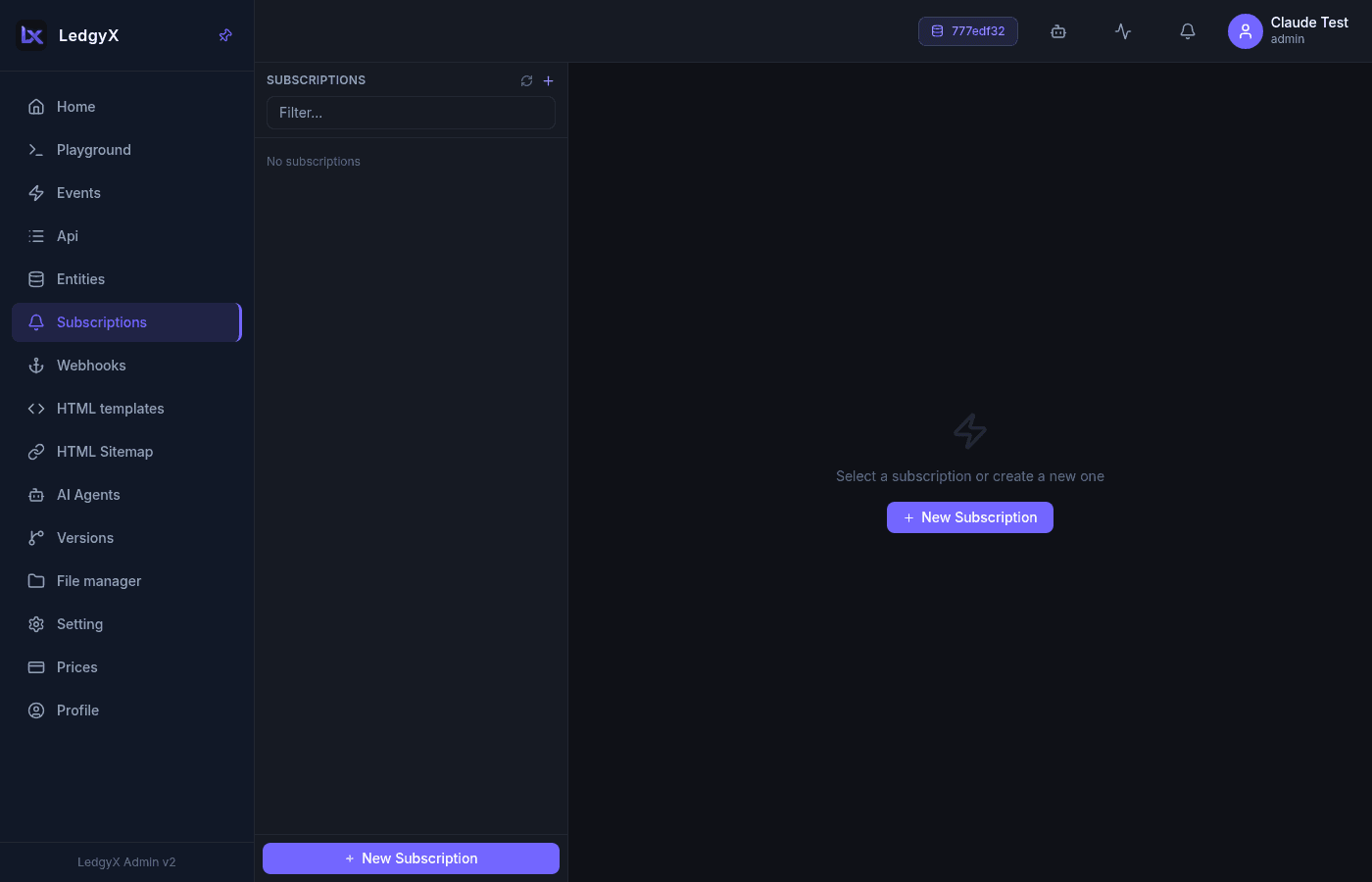
Layout
Two columns: a list of subscriptions on the left and a form on the right. Each list row shows the name, the emitter, the executed event, a method badge, and an inline Play (▶) / Stop (■) control.
Emitter kinds
The form's fields change with the emitter you pick:
| Emitter | Fires when… | Extra field |
|---|---|---|
| Data object (Dictionary, etc.) | a row is inserted/updated/deleted | Timing radio (Pre / Post) |
| Contract | a subscribed ABI contract event is seen on-chain | Contract Event (ABI) dropdown |
| Cron | a schedule ticks | Cron Schedule (crontab syntax) |
| File | a file is uploaded or trashed | Operation (Insert / Delete) + creator filter |
Always-present fields: Name, Event Emitter (grouped by object type), Exec Event (the SQL handler to run), and Method (GET/POST/PUT/DELETE).
Creating a subscription
- Name it.
- Choose the Event Emitter — a data object, a contract, or one of the synthetic Cron / File emitters.
- Fill the emitter-specific field (ABI event, cron expression, or file operation).
- Pick the Exec Event to run and its Method.
- Save, then press Play (▶) in the list to start it. Stop (■) halts it.
Starting or stopping a subscription dispatches a command to a background worker that watches the emitter (cron and contract subscriptions run a worker; the file-op kind is gated by a database trigger directly).
Related:
- Events — the handler a subscription runs
- Webhooks — push results to an external URL
- Blockchain integration (SQL) — contract events