Sitemap
The HTML Sitemap page defines the URL routing tree for the platform's web hosting — which incoming path renders which template, running which event to supply the data.
Requires an active configuration. Select one on the Settings page first.
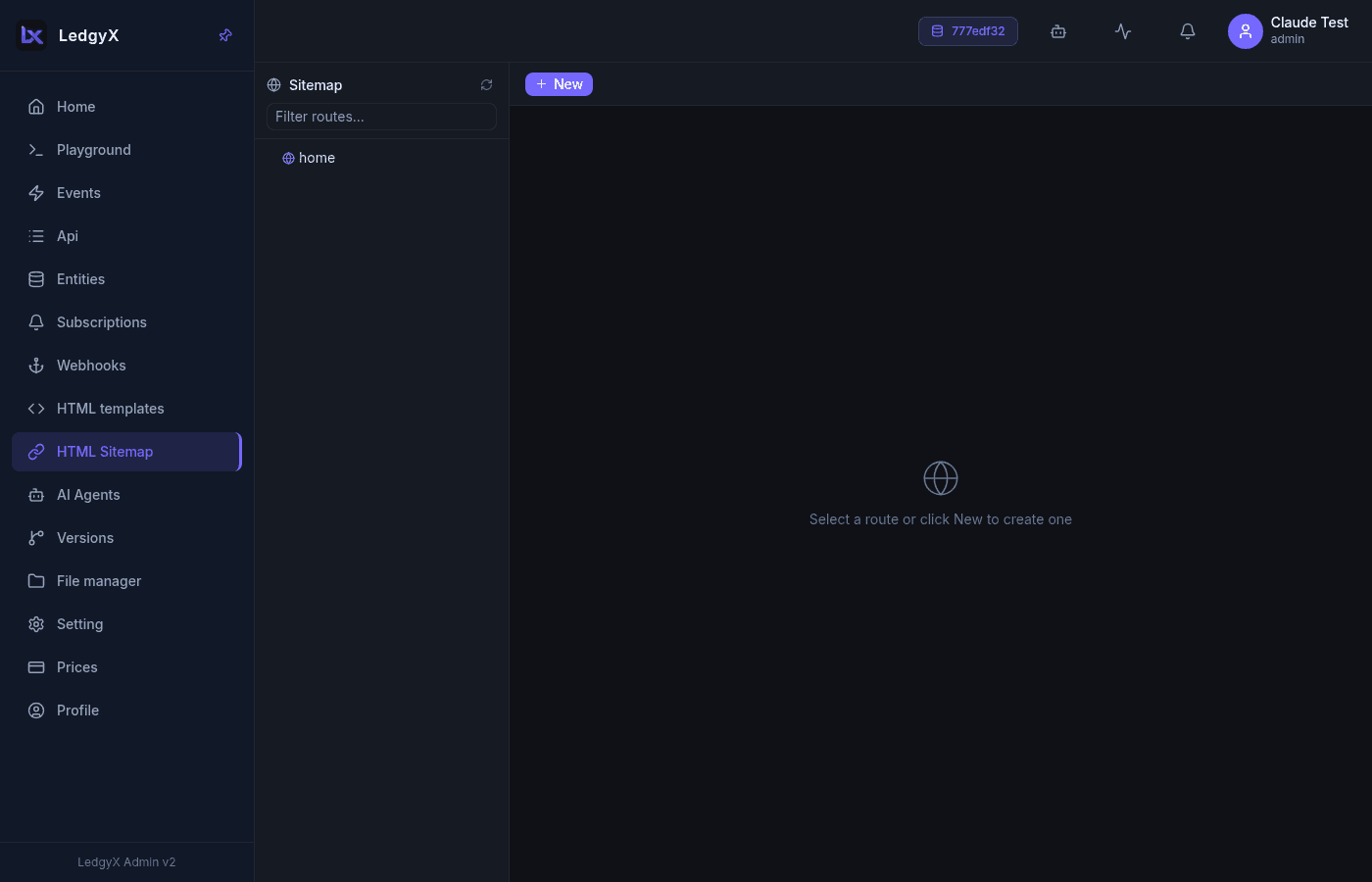
Layout
Two columns: a route tree on the left (nested routes, each showing its matching regex on the right edge) and a form on the right. A filter box and Refresh sit at the top.
Form fields
- Parent — the parent route (a flat list of every node in the tree)
- Name — the path segment
- Regex — the match pattern for this segment (default
((/.*)?)) - Layout — the outer template to wrap the page in (only templates marked as a layout appear here)
- Event — the event that produces the page's data
- Description
How a request resolves
- The incoming URL is walked segment by segment against the route tree.
- At each matching node the route's layout is noted; the deepest match with a layout wins.
- If no route supplies a layout, the config's default layout is used.
- The route's event runs to build the data, which is passed to the template for rendering.
Routes are saved with a reference derived from their name (and parent), so renaming a route effectively creates a new one. Delete is a soft delete.
Related:
- Templates — the layouts and pages routes render
- Events — supply data to a page
- File manager — static assets