Events
An event is a named SQL handler — the unit of logic behind every API endpoint, webhook, and subscription. Each event has a string identifier (used as NEXT "event_id" in CALL chains) and up to four SQL methods, one per HTTP verb.
Requires an active configuration. Select one on the Settings page first.
The four methods
| Method | HTTP verb | Purpose |
|---|---|---|
| GET | GET | Read / select data |
| POST | POST | Create / process an incoming body |
| PUT | PUT | Update |
| DELETE | DELETE | Delete |
An event only needs the methods it uses — an endpoint exposes exactly the verbs whose handlers contain SQL.
Layout
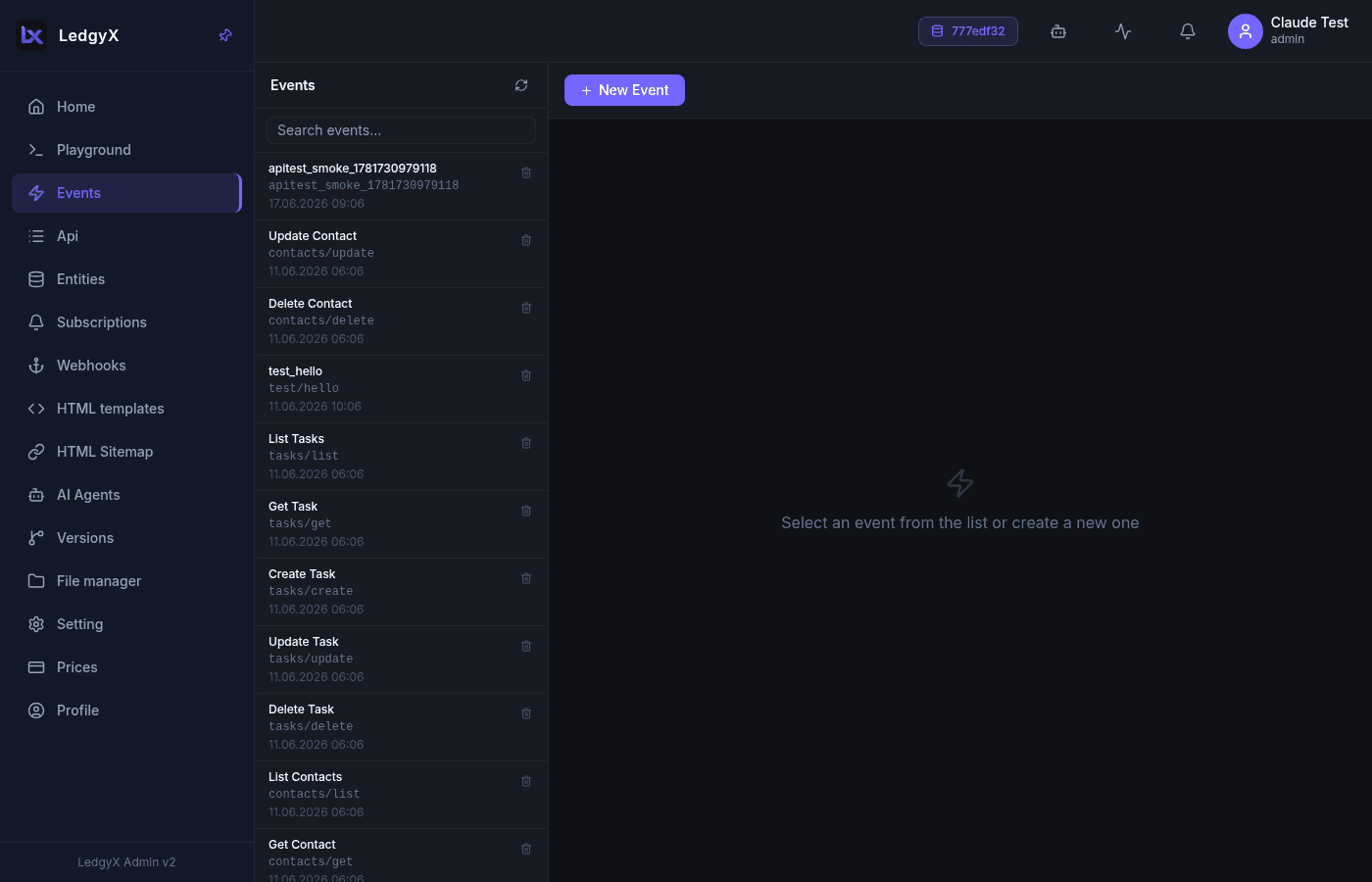
Two columns: a searchable event list on the left (each row shows the display name, the event_id, and the last-modified date) and the editor on the right. Use + New Event to create one.
Creating an event
-
Click New Event and give it a name and an
event_id(the slug used to reference it). -
Fill in the SQL for the methods you need. For example, a POST handler that upserts users:
INSERT INTO dictionary.users(ref, id, name) SELECT uuid(x.id), x.id, x.name FROM ¶ms AS x(id int, name text) ON CONFLICT(ref) DO UPDATE SET name = x.name; -
Save the event. It is now selectable when you build an API endpoint.
Reusing a Playground query
Next to the method tabs is a From history picker (history icon). It lists your recent Playground queries so you can drop one straight into a method — the picker stays open after a selection so you can try several.
Calling external services
Event SQL can invoke CALL providers to reach outside the database — Telegram, AI models, webhooks, Server-Sent Events, and agents. See AI & external services and CALL functions for the full set, for example:
SELECT CALL(TG_SEND_MESSAGE "bot" FROM (
    SELECT &chat_id AS chat_id, 'Order ready!' AS text TYPE OBJECT
)) AS sent;
Versioning
When branches exist, a snapshot selector appears next to Save. Choose a branch to save the event to that branch (the button becomes Save to snapshot) instead of production — see Versions.
Related:
- API tree — expose an event as a REST endpoint
- Subscriptions — run an event on data/blockchain/timer changes
- Webhooks · Playground