Settings
The Setting page is the control centre for your account and configurations. Crucially, it is where you select the active configuration — the multi-tenant context that every data page (Playground, Events, Entities, …) operates on. Without an active config, those pages show empty states.
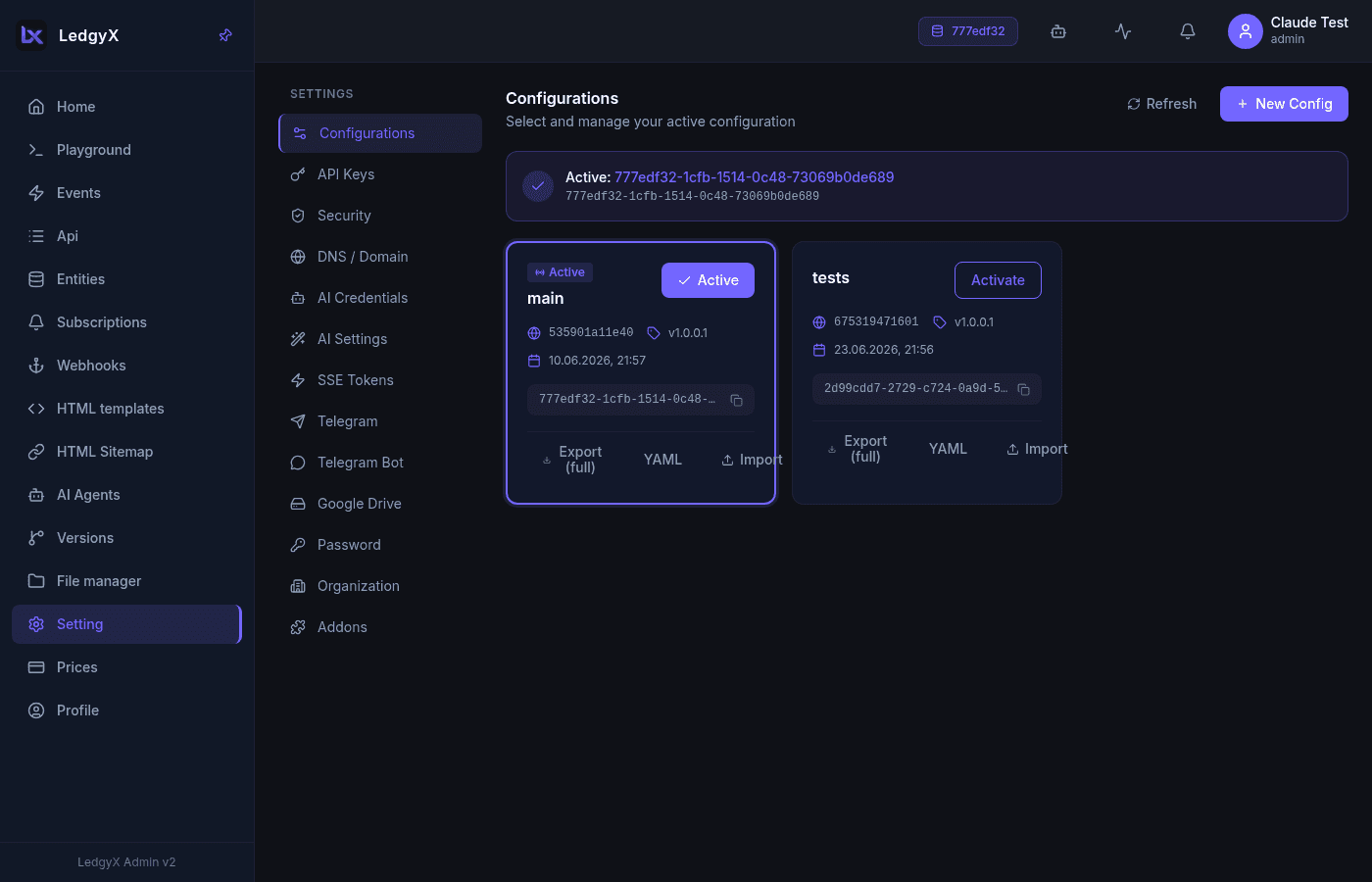
Navigation is by icons in the left sidebar; the active tab is remembered between visits.
Tabs
Configurations
A grid of configuration cards. Click one to activate it (it gets a violet border and an Active badge). Switching config re-scopes every data page.
API Keys
Create and revoke API keys — UUID tokens bound to a config that external callers use to reach its API. Each is shown with its expiry, a copy button, and a revoke action. Use these keys in the Authorization header when calling your endpoints (and in the API tester).
DNS / Domain
- Base domain —
{config}.ledgyx.com, shown with copy and open links. - Aliases — map custom domains to this config. Adding one starts an SSL/verification flow: the platform issues a TXT record to add to your DNS, you request verification, and once verified a certificate is issued.
AI Credentials
Provider API keys for AI integrations (OpenAI, Anthropic, Mistral, …). These are global to your user, not per-config. Fields include name, provider, model, API key, base URL, max tokens, and temperature. Each save is versioned. These are the keys AI Agents use for their own reasoning under the bring-your-own-key model.
AI Settings
Prompt templates and JSON schemas for structured AI output, referenced as AI_SCHEMAS "schema_name" in CALL statements. Global to your user; fields include schema name, model, prompt template, JSON schema, and temperature, with live JSON validation.
SSE Tokens
Authentication tokens for Server-Sent Events (used by CALL(SSE_SEND ...)). Add one by name — the token is generated automatically.
Telegram
Bot accounts for notifications and file delivery. Full CRUD: name, bot token, channel ID/name, webhook URL, files folder, and an Active toggle.
Password
Change the logged-in user's password — current, new, and confirm fields with show/hide toggles and an inline mismatch hint.
Security / Addons
Placeholders for security groups and Stripe add-ons.
Related: